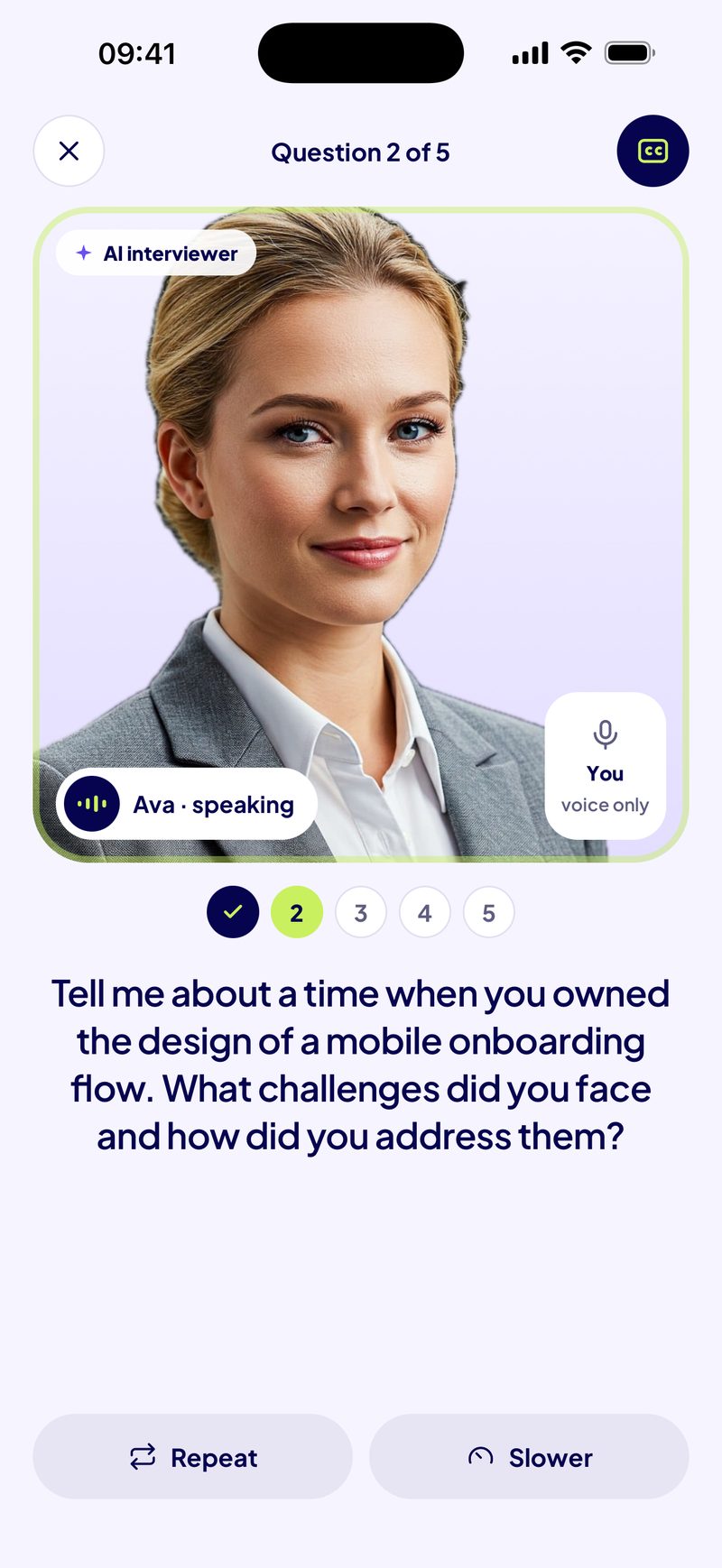
How this free interview simulator works
- Choose an interview. First round, behavioral, HR phone screen, final round, or the classic questions about you.
- Listen. Your browser reads the first question out loud. Switch on “Listen only” to hide the text, as on a phone screen.
- Answer out loud. A timer starts when the question ends. Speak as if the interviewer were in front of you, then press “I’m done answering”.
- Check yourself. Five honest questions: did you answer what was asked, give one example, say the result, stay under two minutes, and avoid filler words?
- Read your summary. After five questions you see your time for each answer, what you left unticked, and the one thing to focus on next.
A free mock interview online, without an account
There is nothing to sign up for and nothing to install. The questions are written into the page, the voice is your browser’s own, and the round takes about 10 to 15 minutes. You can run it again with a new random set as often as you like.
Your audio never leaves your device. If you turn on recording, each answer is kept in this browser tab’s memory so you can play it back, and it is deleted when you close or reload the page. Nothing is uploaded, stored or analysed. The microphone is only used when you turn recording on, and your browser asks your permission first.
Practice an interview out loud: what to listen for
Playing back your own answer is uncomfortable, and useful. Listen for three things:
- The first ten seconds. Did you answer the question, or warm up? Your first sentence should already be an answer.
- The example. Is there one specific moment, with what you did? Or only general claims about yourself?
- The ending. Do you land on a result, or trail off with “so, yeah”? Decide your last sentence before you start.
For behavioral questions, the STAR method guide shows how to structure the example. For phone screens, see phone and video interview practice.
Looking for a Google Interview Warmup alternative?
Interview Warmup was a free Google tool for practising answers out loud; several sites report that Google has since retired it. If you used it, this simulator keeps the parts that matter most: real interview questions, answered out loud, in your browser, for free. It is different in two ways. It speaks the questions, so you practise listening and answering instead of reading. And it does not transcribe or analyse your answer: you check it yourself, which keeps everything on your device.
If you want your answers analysed, that is what the Readyo app does, on iPhone: an AI interviewer that follows up, and a report that scores five skills.
What this simulator does not do
- No scoring. The self-check is yours; nobody grades it.
- No follow-up questions. A real interviewer reacts to what you say. The questions here are fixed.
- No transcript. Your words are not converted to text.
Those three are what Readyo adds: an AI interviewer that asks follow-up questions, then a report that scores relevance (20 %), structure (20 %), evidence and precision (30 %), clarity and expression (15 %) and composure and ownership (15 %), with a better version of each answer built only from what you said. It is free to download, and interviews are paid.
Keep practising
Frequently asked questions
Is this interview simulator really free?
Yes. It runs in your browser with no account, no sign-up and no limit on rounds. It is made by Readyo, an iPhone app for spoken interview practice; the app is free to download and its interviews are paid, but this web simulator costs nothing.
Does the simulator record or upload my voice?
Only if you switch recording on, and it never uploads anything. The recording is kept in your browser tab’s memory so you can play it back, and it is deleted when you leave or reload the page. Without recording, the microphone is not used at all.
Why can’t I hear the questions?
The questions are read by your browser’s built-in voice. Check that your device is not muted and that the page is allowed to play sound. If your browser has no voice available, the questions appear on screen instead, and you can still answer out loud.
Why is recording not available on my phone?
Recording needs the MediaRecorder feature and microphone access. Some older browsers, including older versions of Safari on iPhone, do not support it. The rest of the simulator works without it; update your browser to record.
Does the simulator score my answers?
No. After each answer you tick a short self-check, and the summary shows your timing and what you left unticked. Scored feedback comes from the Readyo app, where an AI interviewer listens to your answers and a report scores five skills.
Is this a Google Interview Warmup alternative?
For practising real questions out loud for free, yes. Interview Warmup was a free Google tool that several sites report has been retired. Unlike it, this simulator reads the questions out loud and does not transcribe or analyse your answers, so nothing leaves your device.
How long does one practice interview take?
About 10 to 15 minutes: five questions, one to two minutes per answer, plus a few seconds to check each one.